

Timers
Countdown & firing
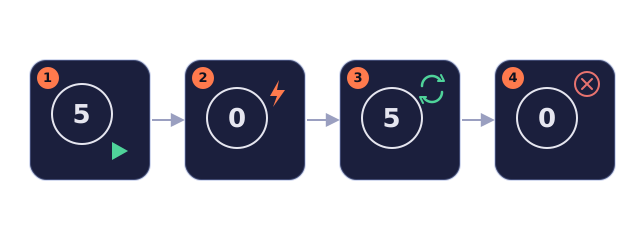
Add timers in the “Timers” area of the scene inspector — they don't appear on the canvas. Writing a positive number to “Remaining” (_remaining) starts the countdown and sets “Running” (_running) to 1 automatically.
Reaching 0 fires once: if all its conditions hold, the effect runs; if not, it stops and does not retry.
Write a positive number again after firing and it becomes periodic (e.g. refresh every 5 seconds); write 0 to cancel, without firing.
All timers in all scenes share one clock, ticking once per second; when one fires, variables are read and written in the scene the timer lives in — “all timers tick, but each effect counts in the room where you wrote it”.
Item respawn
Item respawn: each item can have its own “Respawn (seconds)” (0 means gone after pickup), or tick “Same type” (shared across this scene) so all items of that kind share one respawn time.